Discussed the new product release.
Agreed on the plan and assigned the tasks.
Scheduled the review for Friday.

Voice text actions
Turn conversations into transcripts, notes and next steps with Meetxt.


Discussed the new product release.
Agreed on the plan and assigned the tasks.
Scheduled the review for Friday.
3 tasks ready
Choose your sources, confirm participant consent and start recording. You can visit other screens during the conversation — recording will continue.
Transcribe on your device · no server queue
Web app · experimental on-device mode for up to 5 minutes. App-store versions are not published yet.
Checking speech recognition availability…
Russian
Server transcription currently uses the Russian model. Multilingual routing is being validated separately.Enable this only when you need separate turns. Meetxt currently uses “Speaker 1/2” labels; names require voluntary voice samples or separate meeting tracks.
For long recordings, choose a folder on your device or one synced by your cloud service. Keep this tab open while recording.
Adding recordings or signing out does not delete earlier recordings. This browser stores them on this device. Clearing browser data or losing the device can remove local copies. A downloaded copy includes transcripts and recording details, including recovery versions, but no audio or video.
MEETXT FEATURES
Record a conversation or upload a file. Meetxt prepares a timestamped transcript that you can verify, edit and save.
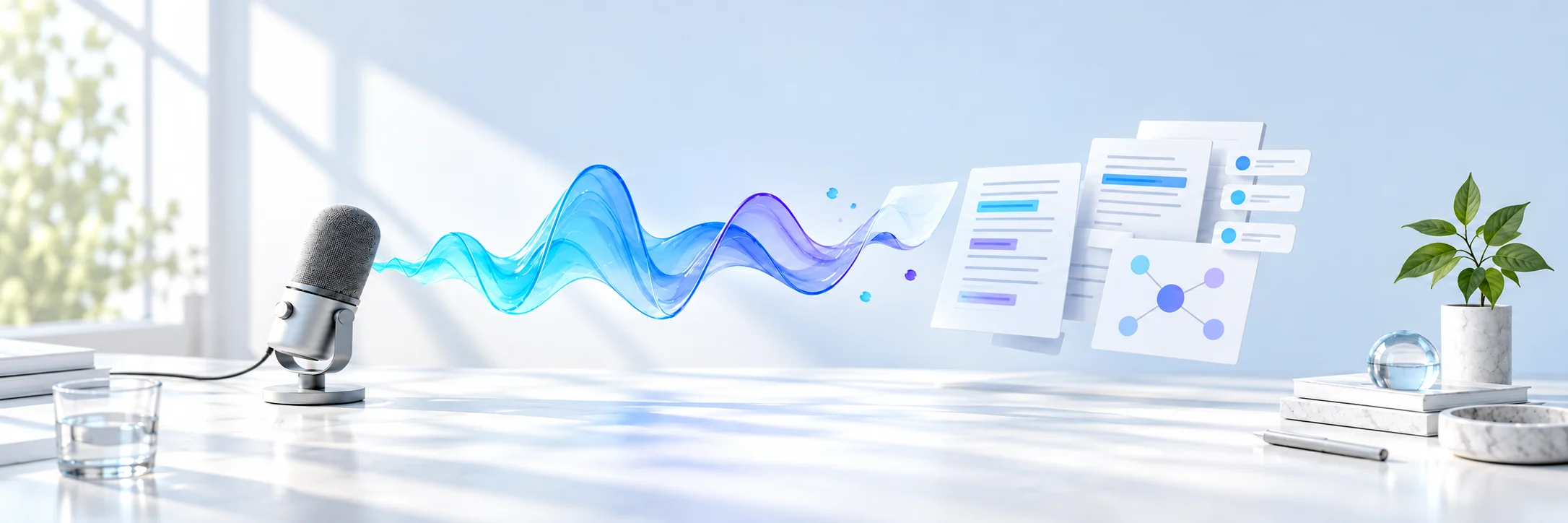

Record a meeting or upload audio and video you are entitled to process.
Compare the transcript with the recording and jump to the right moment by timestamp.
Bring concise notes, decisions and next steps together in one result.
EXAMPLE RESULT
In a completed transcript, you can build a simple diagram of explicitly stated connections, with source quotations, timestamps and SVG download. If no unambiguous connections are found, no diagram is built.
Marina: “We will send the updated layout on Thursday by 15:00.”
Ilya: “I will check the mobile version before it is sent.”
The team will check the mobile flow before it is sent.
Owner: Ilya · due: Thursday, 15:00
The transcript will follow the language of the recording without a manual setting. Russian speech currently works best.
Formula rendering, complex semantic diagrams and explanatory drawings are still in development. Simple diagrams of explicitly stated connections are already available.
A recording up to 5 minutes and 20 MB can be transcribed directly in your browser.
Record meetings with participants’ consent and verify important conclusions against the source recording.
This is a partial transcript. Transcription is still running and more text will be added. Edit after it finishes.
Saved in this browser
The original stays on your device. The transcript remains available without reconnecting the file.
Free reading · turn on following to scroll text with the video
No summary yet. Only results from your own recording will appear here.
Speaker separation is experimental. If there is only one speaker, merge the labels. Edits are stored with this recording in this browser; the raw transcript is preserved.
Click a segment to seek to its time in the attached recording. The current segment is highlighted during playback. Word highlighting is available in the raw transcript when precise word timings exist.
No transcript yet.
Frames for every paragraph, without a 12-image limit. Long segments also include intermediate moments. Nearly identical adjacent frames are combined while all text is preserved. Images retain their original resolution, without generated additions. Selection uses timing and similarity, not semantic understanding of the board. Everything stays on your device; if storage runs low, selection stops and completed work is retained.
No tasks have been extracted yet.
MEETXT PLANS
Choose your workload. File limits and the counting period are shown before access is connected.
RUB 0
For short notes and trying the service.
Server import supports up to 2 hours and 100 MB of extracted audio, with up to 3 unfinished jobs. Free also uses a shared connection limit of 20 jobs per 24 hours. Browser recordings stay on this device.
RUB 990 / month
For lectures, interviews, consultations and meetings.
One unfinished server job is allowed at a time. Up to 5 devices; transcripts synchronize while original recordings remain with the user.
RUB 1,990 / month
For intensive personal use.
One transcript is processed at a time per account; the rest wait in the queue. Summary, tasks, decisions, exports and transcript sync are available across 5 devices.
From 5 seats
For corporate meetings, webinars and training.
Each account processes one transcript at a time while the rest wait in the queue. Files support up to 3 hours and 512 MB of audio.
The meeting bot, calendar integrations and advanced illustrations are still in development. Simple diagrams of explicitly stated connections are available in completed transcripts; they do not automatically explain an entire recording.
You can use Free or connect access that has already been issued. No real payment or automatic charge is performed.
Connect without paying again
Use this route when Pro was granted manually. Enter the subscription email and the one-time code from the administrator. An email alone cannot open another account.
This is not a six-digit login code. If the browser is already connected to another account, sign out under Devices first; local recordings will remain.
Your workspace
Sign in to sync transcripts across your devices.
Enter your email to receive a code to sign in or create an account.
You can create local recordings without signing in. Sign in by email to access synced transcripts on other devices.
Checking subscription expiry…
Local recordings are available only in this browser. Connect an account and choose “Sync transcripts” to read transcripts on other devices.
Checking device connection…
One account supports up to five browser installations. This is not an IMEI or hardware fingerprint: another browser or incognito mode counts separately. Recordings are combined only after devices join the same account.
Subscription email. The address alone does not grant access to recordings or enable sync.
If access is not recognized, support may ask for this device code. Never share an activation code.
The device code alone does not enable Pro. Access is granted by the administrator.
Choose audio or video on your device. Meetxt will show processing progress and add the result to this browser’s Library.
